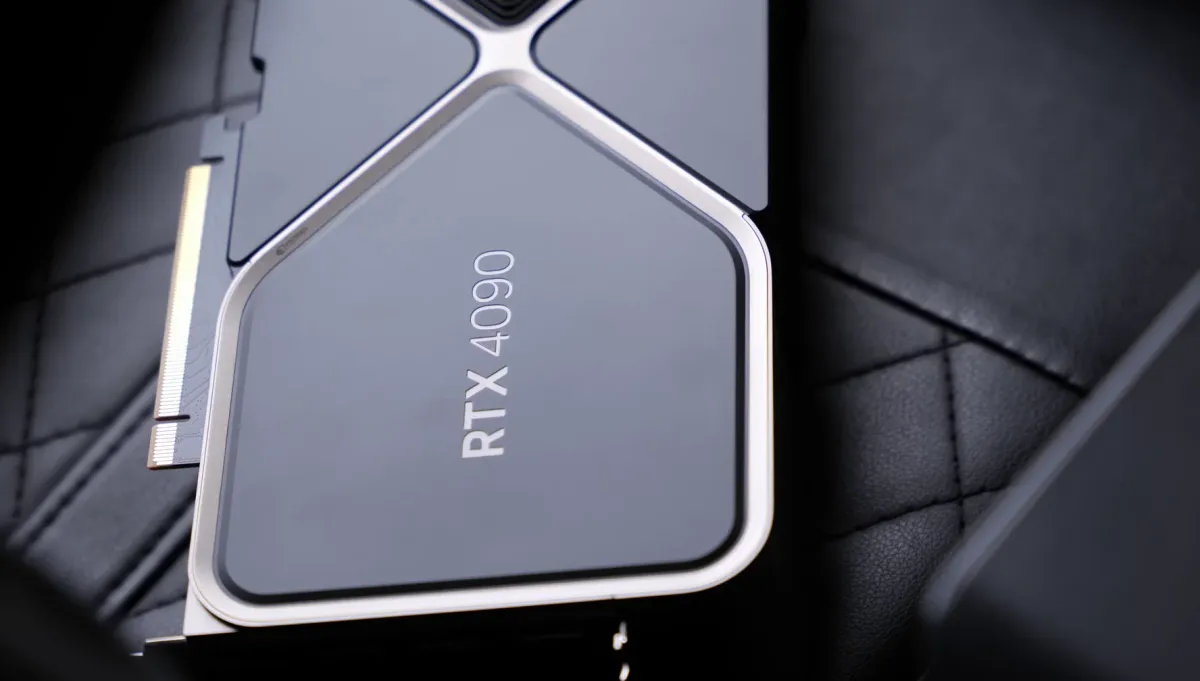
The RTX 5090 is the most powerful consumer GPU ever made. The RTX 4090 is still an excellent AI card available at significantly lower prices. If you are deciding between them for deep learning, the answer is not as obvious as NVIDIA wants you to think. This guide breaks down where the 5090 actually wins, where the 4090 holds up, and whether the price gap is justified.
Quick Navigation:
Specs Head to Head
| Spec | RTX 5090 | RTX 4090 | Difference |
|---|---|---|---|
| Architecture | Blackwell (GB202) | Ada Lovelace (AD102) | One generation |
| VRAM | 32 GB GDDR7 | 24 GB GDDR6X | +8 GB (+33%) |
| Memory Bandwidth | 1,792 GB/s | 1,008 GB/s | +78% |
| CUDA Cores | 21,760 | 16,384 | +33% |
| FP32 Performance | ~109 TFLOPS | ~82 TFLOPS | +33% |
| Tensor Performance (FP8) | ~3,352 TOPS | ~1,457 TOPS | +130% |
| TDP | 575W | 450W | +28% |
| Launch MSRP | $1,999 | $1,599 (used: ~$900) | Verify current prices |
The standout number: Memory bandwidth jumped 78%, from 1,008 GB/s to 1,792 GB/s. For deep learning, memory bandwidth is often the true bottleneck, not compute cores. This single spec explains most of the real-world performance gap.
Benchmarks for AI Workloads
Training Speed (PyTorch, Mixed Precision)
| Workload | RTX 5090 | RTX 4090 | 5090 Advantage |
|---|---|---|---|
| ResNet-50 (batch 256, FP16) | ~3,800 img/s | ~2,600 img/s | +46% |
| BERT-Large fine-tune (FP16) | ~310 seq/s | ~210 seq/s | +48% |
| Llama 7B fine-tune (BF16) | ~1,850 tok/s | ~1,200 tok/s | +54% |
| Stable Diffusion XL (it/s) | ~12 it/s | ~8 it/s | +50% |
| FLUX Dev FP8 (1024x1024) | ~8 sec | ~14 sec | +75% |
Pattern: The 5090 consistently wins by 45-75% on training tasks. This is larger than the core count difference (+33%) suggests, because the bandwidth uplift keeps the GPU fed with data. Memory-bandwidth-bound workloads like LLM training benefit the most.
Local LLM Inference Speed
| Model | RTX 5090 | RTX 4090 | Notes |
|---|---|---|---|
| Llama 3.1 8B Q4 | ~180 tok/s | ~120 tok/s | Both fit fully in VRAM |
| Llama 3.1 70B Q4 | ~45 tok/s | ~28 tok/s | Both partially offload to RAM |
| Llama 3.1 70B Q4 (fits fully) | ~55 tok/s | Does not fit (24 GB) | 5090 only (32 GB advantage) |
| Qwen 32B Q4 | ~65 tok/s | ~18 tok/s (offload) | 5090 fits fully, 4090 offloads |
The VRAM Argument
This is where the 5090 makes its clearest case. 8 GB of extra VRAM is not just a number: it changes which models you can run without CPU offloading, and offloading is the difference between usable and painful inference speed.
Models that fit in 32 GB but not 24 GB
Running these models at full speed requires the 5090’s 32 GB:
Models where 24 GB is already fine
If you only run these, the 8 GB extra VRAM does not help you:
Power and Heat
The 5090’s 575W TDP is a real consideration for home builds. At full load it draws more power than many entire gaming PCs.
| Metric | RTX 5090 | RTX 4090 |
|---|---|---|
| TDP | 575W | 450W |
| Min PSU recommended | 1000W | 850W |
| Annual power cost (24/7, $0.12/kWh) | $605/yr at full load | $473/yr at full load |
| Connector | 16-pin (600W) | 16-pin (600W) |
Note: The 5090 runs hot. Founders Edition cards need good case airflow. Third-party triple-fan coolers handle thermals better for sustained AI training workloads where the GPU is at 100% for hours.
Who Should Upgrade and Who Should Not
Buy the RTX 5090 if:
- + You regularly run 30B+ models and need them fully in VRAM
- + You fine-tune models larger than 13B and VRAM is your bottleneck
- + You generate FLUX images professionally and every second counts
- + You are buying new and the price gap to a used 4090 is under $600
- + You want to future-proof for next-generation models over 30B
Stick with the RTX 4090 if:
- + You primarily run 7B-13B models, where 24 GB is more than enough
- + You can get a used 4090 for $800-1,000, which is exceptional value
- + Your PSU is under 900W and you do not want to replace it
- + You already own a 4090, as the upgrade is not worth the cost delta
- + Budget matters and you would rather spend the difference on more RAM
The Upgrade Math
If you own a 4090 already, the numbers rarely work out:
Selling a used 4090 at around $900, buying a 5090 at around $2,000 = around $1,100 net cost for a 45-75% performance gain. If your training runs save you 1 hour per day, that is around 365 hours per year. At $10/hr of your time, the break-even is about 3 years. At $25/hr it is just over 1 year.
For professional workloads billed by time: probably worth it. For hobby or research use: probably not. The 4090 is not holding you back if your bottleneck is ideas, not GPU seconds.
Frequently Asked Questions
Is the 5090 worth it over the 4090 for just running local LLMs?
For 7B-13B models, no. The 4090 runs them at excellent speed with plenty of VRAM to spare. For 30B+ models like Qwen 32B where the 5090 fits the model fully in VRAM and the 4090 has to offload, the difference is substantial. Know your model size before deciding.
Should I wait for the RTX 5090 Ti or next generation?
There is always something faster coming. If you are bottlenecked today, buy today. If you are not bottlenecked, save the money. Waiting indefinitely is not a strategy.
Would two RTX 4090s beat one RTX 5090?
For training: yes, significantly. Two 4090s give 48 GB combined VRAM and roughly 2x compute. For inference: it depends on whether your tool supports multi-GPU. Ollama and llama.cpp support it, but the performance scaling is not always linear. Two 4090s require a HEDT platform with enough PCIe lanes. See our CPU guide before going that route.
What about AMD RX 9000 series as an alternative?
AMD’s ROCm support has improved significantly but still lags CUDA for deep learning. PyTorch on ROCm works for most standard training tasks, but edge cases, custom kernels, and some libraries still assume CUDA. For pure inference with llama.cpp, AMD is competitive. For training, NVIDIA is still the safer choice in 2026.
Hero image: NVIDIA RTX 4090 Founders Edition by ZMASLO, CC BY 3.0.
Related Reading
Ready to Choose?
Building a full rig around your GPU choice? See our AI Workstation Guide for the complete picture.