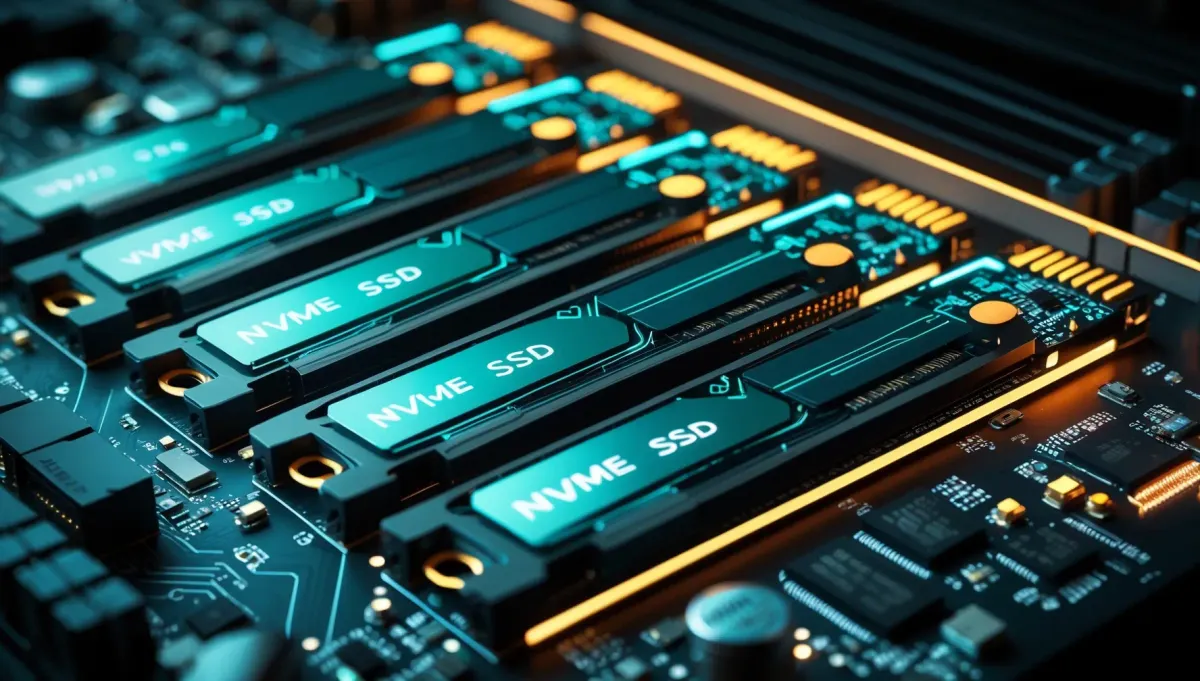
Your GPU is idle 30% of the time waiting for data. Storage is the most overlooked bottleneck in AI workstations, and most guides ignore it entirely. This guide covers exactly which NVMe SSDs matter for dataset loading, checkpoint saving, and training pipelines, and which specs are marketing noise.
Quick Navigation:
Why Storage Is an AI Training Bottleneck
The core problem: Modern GPUs process data faster than most storage can supply it. An RTX 4090 can process an ImageNet batch in milliseconds. If your NVMe can only deliver data at 3 GB/s, the GPU sits idle between batches waiting. This is called I/O-bound training, and it kills utilization on fast GPUs.
Dataset Loading
Image datasets, text corpora, and audio files are read sequentially each epoch. Fast sequential reads directly reduce time-per-epoch. A 2x faster drive can mean 20-30% faster training on large datasets.
Checkpoint Saves
Saving model checkpoints during training writes gigabytes at once. A slow drive stalls training every N steps while the checkpoint flushes. With PCIe 5.0, a 7B checkpoint saves in under 2 seconds instead of 10+.
Model Loading
Loading a 70B model from disk into RAM or VRAM can take 30-90 seconds on a slow drive. A fast NVMe cuts this to under 15 seconds. If you swap models frequently, this adds up fast.
PCIe 5.0 vs PCIe 4.0 vs PCIe 3.0
PCIe generation doubles the available bandwidth each step. For AI workloads, the jump from PCIe 3.0 to 4.0 is meaningful. PCIe 4.0 to 5.0 matters for large sequential workloads like dataset loading, but is overkill for most home setups.
| Interface | Max Sequential Read | Max Sequential Write | AI Workload Verdict |
|---|---|---|---|
| PCIe 3.0 NVMe | ~3.5 GB/s | ~3.0 GB/s | Acceptable, upgradeable |
| PCIe 4.0 NVMe | ~7 GB/s | ~6.5 GB/s | Sweet spot for AI |
| PCIe 5.0 NVMe | ~14 GB/s | ~12 GB/s | Future-proof, premium price |
Practical note: PCIe 5.0 drives require a PCIe 5.0 M.2 slot, available on Intel 12th gen+ and AMD Ryzen 7000+ motherboards. Also note: PCIe 5.0 drives run hot and need a heatsink. Budget builds on older platforms should target PCIe 4.0.
What Specs Actually Matter for AI
Not all SSD specs are equal for AI workloads. Here is what to prioritize:
Sequential Read Speed
Most ImportantDataset loading is almost entirely sequential reads. This is the number that directly maps to training throughput. Aim for 6 GB/s+ on PCIe 4.0 or 12 GB/s+ on PCIe 5.0.
Sequential Write Speed
ImportantCheckpoint saves and model downloads are sequential writes. A drive with fast writes cuts checkpoint overhead and lets you save more frequently without penalty.
Random IOPS (4K)
Less ImportantRandom IOPS matters for OS responsiveness and small file access. For AI training on large files, this is mostly irrelevant. Do not pay a premium for high IOPS if sequential speed is lower.
TBW (Terabytes Written)
Worth CheckingAI workloads write a lot: frequent checkpoints, preprocessing outputs, logs. A 4 TB drive with 3000 TBW endurance is better than one with 1400 TBW at the same price. Check this spec before buying.
Top NVMe Picks for AI Workloads
PCIe 4.0 Picks (Best Value)
Samsung 990 Pro
Best overall PCIe 4.0 for AI workloads
Seq. Read
7,450 MB/s
Seq. Write
6,900 MB/s
Capacity
1 TB / 2 TB / 4 TB
TBW (2 TB)
1,200 TBW
Consistently tops PCIe 4.0 benchmarks, runs cooler than competitors, and has a proven track record. The 2 TB variant is the sweet spot for most AI workstations. Get the 4 TB if you’re storing multiple large datasets.
WD Black SN850X
Best for sustained workloads
Seq. Read
7,300 MB/s
Seq. Write
6,600 MB/s
Capacity
1 TB / 2 TB / 4 TB
TBW (2 TB)
1,200 TBW
Excellent sustained write performance, making it ideal for long training runs with frequent checkpointing. Marginally behind the 990 Pro in peak reads but holds speed better under thermal load.
Crucial P5 Plus
Best budget PCIe 4.0
Seq. Read
6,600 MB/s
Seq. Write
5,000 MB/s
Capacity
500 GB / 1 TB / 2 TB
TBW (2 TB)
1,200 TBW
Solid PCIe 4.0 performance at a lower price. Sequential reads are slightly below the top picks but still well above any PCIe 3.0 drive. A good choice for a secondary dataset drive.
PCIe 5.0 Pick (Future-Proof)
Samsung 9100 Pro
Best PCIe 5.0 for AI: top sequential throughput
Seq. Read
14,800 MB/s
Seq. Write
13,400 MB/s
Capacity
1 TB / 2 TB / 4 TB
TBW (2 TB)
1,800 TBW
2x the throughput of a PCIe 4.0 drive. Meaningful for large image datasets (ImageNet-scale and above) and for anyone saving multi-billion parameter checkpoints frequently. Requires PCIe 5.0 M.2 slot and a heatsink.
Worth it? Only if you have a PCIe 5.0 platform and regularly work with datasets over 500 GB or models over 30B parameters. For 7B-13B local LLM users, PCIe 4.0 is sufficient.
Capacity Guide for AI Workloads
Storage fills up faster than expected in AI work. Models, datasets, checkpoints, virtual environments, and Docker images accumulate quickly. Budget generously.
| Use Case | Minimum | Recommended | Notes |
|---|---|---|---|
| Local LLM (1-3 models) | 512 GB | 1 TB | 70B Q4 = ~40 GB per model |
| Local LLM (5+ models) | 1 TB | 2 TB | Models accumulate fast |
| Image Generation (SD/FLUX) | 1 TB | 2 TB | LoRAs, checkpoints, output images |
| Fine-tuning (small datasets) | 1 TB | 2 TB | Multiple checkpoint saves per run |
| Training on ImageNet-scale | 2 TB | 4 TB+ | ImageNet alone is ~150 GB |
| Multi-modal / video datasets | 4 TB | 4 TB NVMe + HDD overflow | Video datasets are 10x larger |
Two-Drive Strategy
For serious AI workstations, a two-drive setup is worth considering:
Drive 1: Fast NVMe (1-2 TB)
PCIe 4.0 or 5.0 drive for OS, active datasets, and current project models. Keep only what you are actively training on here.
Drive 2: High-Capacity NVMe or HDD (4-8 TB)
Slower storage for archival datasets, old checkpoints, downloaded model zoo, and outputs. A 4 TB PCIe 4.0 NVMe or even a 8 TB HDD works fine for cold storage.
Frequently Asked Questions
Does NVMe speed actually affect training time?
Yes, but only when you are I/O-bound. If your DataLoader has enough workers prefetching data, the GPU stays fed and storage speed matters less. With a fast GPU (RTX 4090+) and large datasets, you will feel the difference. Run nvidia-smi dmon during training and check GPU utilization. Under 85% sustained means you are likely I/O-bound.
Should I preprocess datasets onto a RAM disk?
Only if you have 128+ GB of RAM and a dataset that fits. RAM disks (tmpfs on Linux) eliminate storage latency entirely. A more practical approach is caching preprocessed tensors to NVMe with PyTorch’s Dataset caching, which gives most of the benefit without needing massive RAM.
Is a fast SSD worth it for local LLM inference only (no training)?
Only for model load times. Once a model is in VRAM or RAM, the SSD is irrelevant during inference. If you load one model and keep it running, even PCIe 3.0 is fine. If you swap models frequently, PCIe 4.0 makes a noticeable difference in load time.
Can I use an external USB SSD for AI datasets?
USB 3.2 Gen 2 tops out at ~1 GB/s, which is 7x slower than a PCIe 4.0 NVMe. You will be heavily I/O-bound. Fine for archiving datasets between runs, not recommended as the active training drive.
Related Reading
Building Your AI Storage Setup?
Need help with the full build? See our AI Workstation Guide for complete component recommendations.